
Brotato Mods Not Working in 1.2: Fixes
Update 1.2 warns that outdated Steam Workshop mods conflict with Primal Dread. Turn mods off, verify files, then re-enable updated mods one by one.
Why do mods break after Brotato Update 1.2?
On 2 November 2026, Evil Empire shipped Update 1.2.0.0 together with Primal Dread. The patch adds Item Set, Nightmare balance, character buffs, shop changes, and the Jungle DLC layer (Evolution, new enemies, weapons).
Both the Update 1.2 news post and the Primal Dread launch long post repeat:
The game has been updated so outdated mods can cause conflicts. Please, deactivate all your mods before playing.
Community reports after major patches often note that mods whose Workshop metadata still targets a pre-1.2 build fail to load after the Primal Dread patch—Steam may download files, but the game leaves them inactive or crashes on boot.
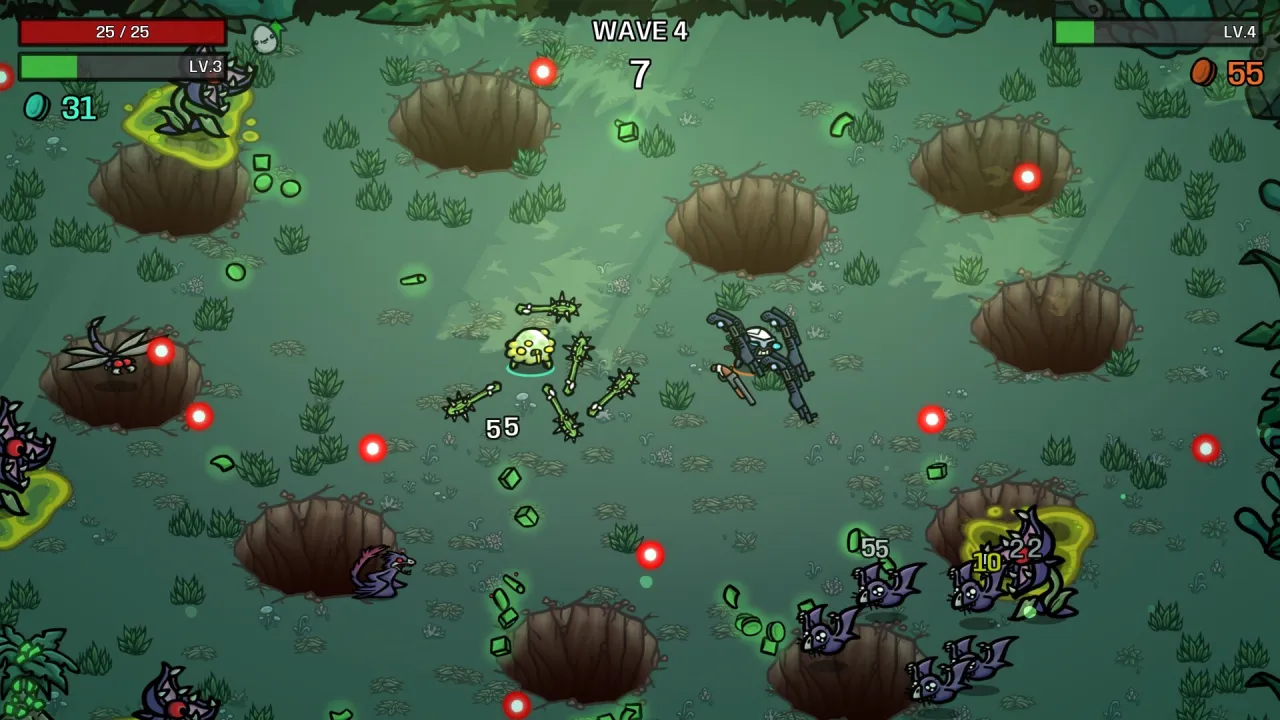
Step 1: Deactivate every Workshop mod (official baseline)
Evil Empire’s instruction is deactivate all mods, not in-game toggles only. Developer blob-ging described an unsubscribe workflow after an earlier update; it matches Evil Empire’s “deactivate all mods” guidance for 1.2:
- Steam library → Brotato → Workshop.
- Under Your Workshop Files, open the Your Files dropdown.
- Choose Subscribed Items.
- Click Unsubscribe From All.
- Launch Brotato and confirm the main menu loads.
Source: Steam discussion — blob-ging (developer) — checked 2026-11-04.
Step 2: Confirm the vanilla game works
With zero subscriptions:
- Launch from Steam (not the raw
.exe, or you may load the wrong save profile). - Start a new run on a base map without mods.
- If you own Primal Dread, test once with all mods off and DLC enabled via Item Set before mixing mods back in.
If the game still crashes, move to file verification.
Step 3: Verify integrity of game files
Standard Steam troubleshooting (also in the Modding Help guide when Workshop caches stick):
- Steam library → Brotato → Properties.
- Installed Files → Verify integrity of game files.
- Launch again with no mods.
If vanilla works after verification but breaks when you add mods, the issue is mod compatibility, not the DLC patch itself.
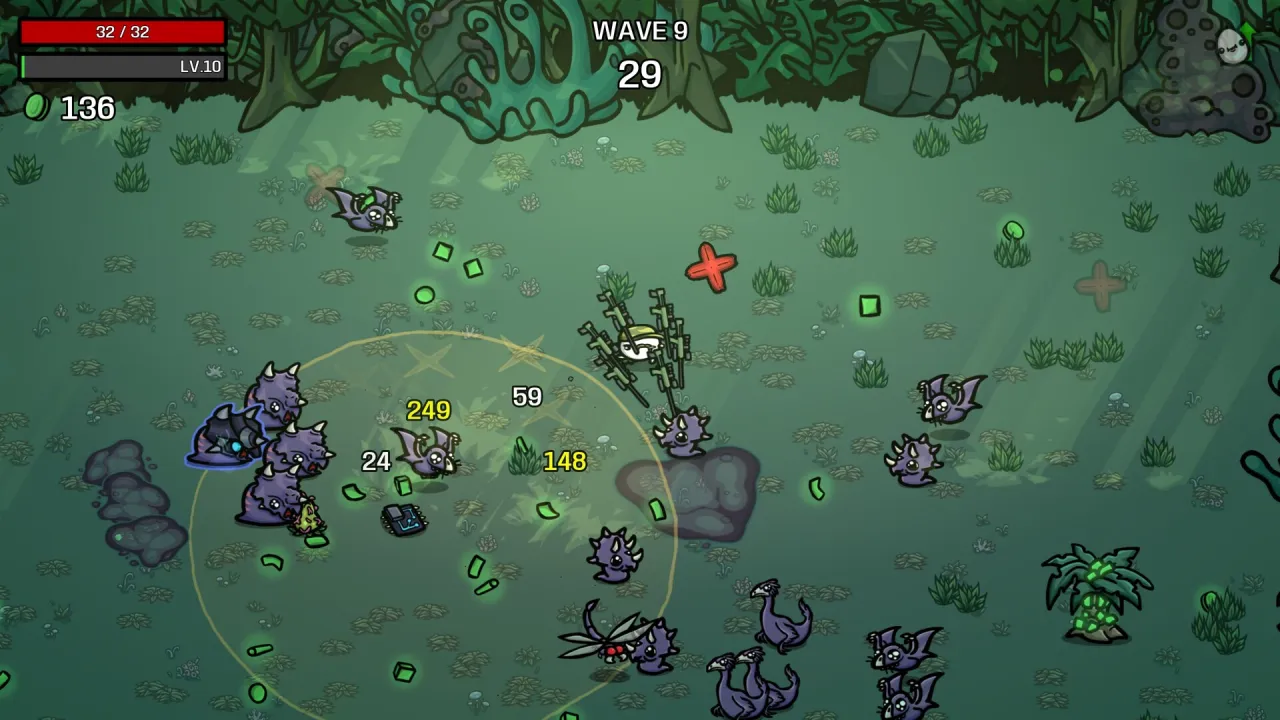
Step 4: Re-add mods one at a time
Evil Empire does not maintain a list of safe mods. Community pattern from the Modding Help guide and Workshop threads:
- Sort the Brotato Workshop by Most Recent or read Change Notes for a November 2026 update tied to 1.2.
- Subscribe to one mod, launch, open the in-game Mods menu, start a new run.
- Repeat; stop when a crash returns—that mod or a missing dependency is the conflict.
- Read each mod page for required mods (many depend on the community ModLoader).
Workshop threads after 1.2 note that inactive downloads under steamapps/workshop/content/1942280/ often mean the mod never passed compatibility checks for the current build.
Optional: clear logs or stale mod cache (community fixes)
Player posts suggest these only if vanilla works but mods stay disabled:
- Delete files inside
%appdata%/Brotato/logs/and relaunch. - Back up
%appdata%/Brotatobefore removing leftover Workshop data after unsubscribing.
These steps are not in the 1.2 patch notes—use them after the deactivate → verify flow fails.
Mods vs Item Set and console players
Item Set (Update 1.2) toggles official DLC content—no Workshop required. See turn off DLC with Item Set.
Console and mobile builds do not use Steam Workshop; use console release timing instead of this page when the DLC lands there.
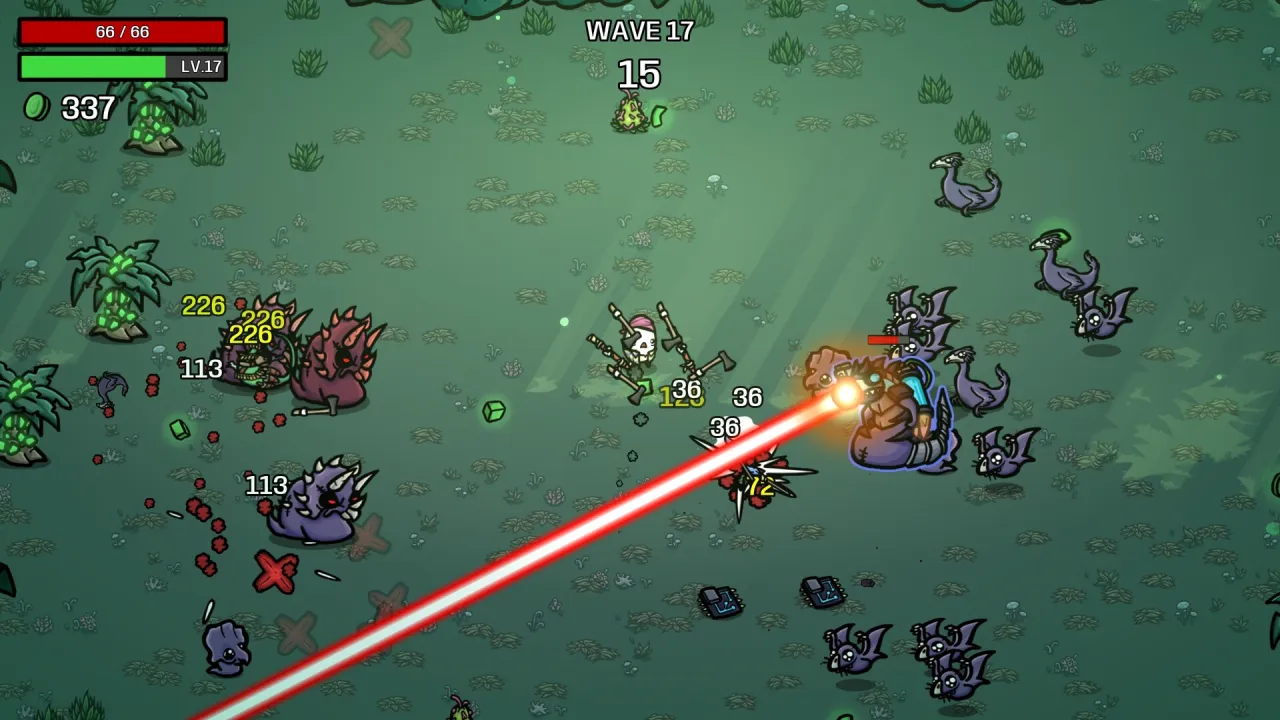
When should you report a bug instead?
If no mods are subscribed, files are verified, and the game still crashes on 1.2:
- Check patch v1.2.0.1 for hotfixes.
- Report via Evil Empire’s Discord feedback channel or Steam bug reports (linked from the launch post).
Sources
- Steam — Update 1.2.0.0 — checked 2026-11-04
- Steam news — Primal Dread launch (mod warning) — checked 2026-11-04
- Steam — Patch v1.2.0.1 — checked 2026-11-04
- Steam discussion — blob-ging unsubscribe steps (developer) — checked 2026-11-04
- Steam Workshop — Modding Help guide — checked 2026-11-04
- Screenshots: official Steam store page, Blobfish Games / Evil Empire
FAQ
Did Update 1.2 break all Brotato mods?
What is Evil Empire’s official advice?
Do Workshop mods work on Epic or GOG?
Can I play Primal Dread with mods?
Related Articles
guides
Brotato Primal Dread Evolution Stat Explained
How the Evolution stat works in Brotato: Primal Dread—pickups, Mecha weapon upgrades, Mutation item copies, and enemy changes on the Jungle map.
guides
Is Brotato Primal Dread Worth It? Price & Reviews
Is the Brotato: Primal Dread DLC worth $3.99? Steam Mixed reviews, Jungle + Evolution content, Update 1.2 Item Sets, and who should wait.
guides
Brotato Item Sets: Turn Off Primal Dread DLC
Update 1.2 adds Item Sets on the character select screen. Toggle whole DLC packs or free updates like Paws & Claws without uninstalling.
Was this helpful?
Thanks for the feedback!